Developed an Interactive Onboarding Tutorial For a Higher Ed Learning tool

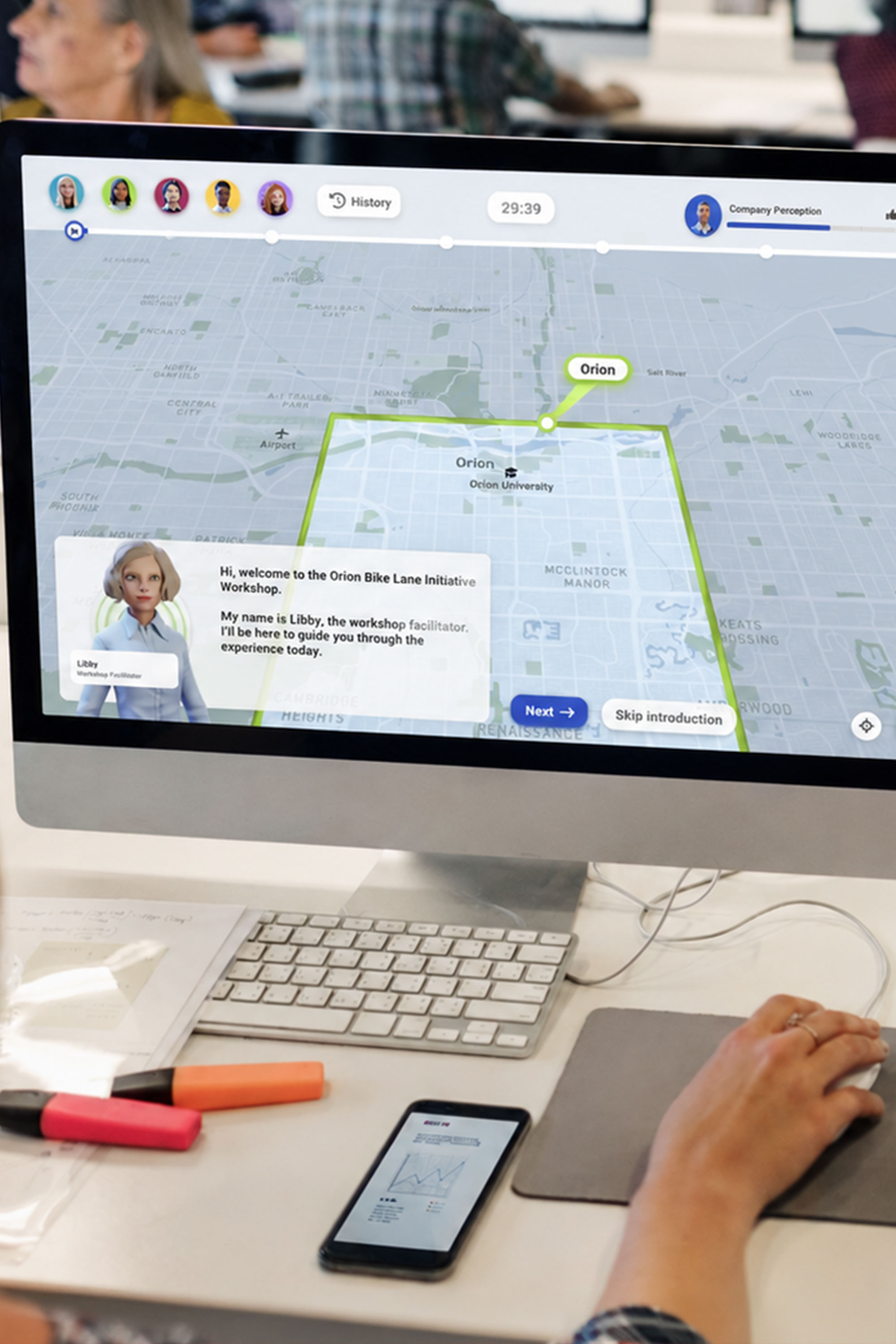
Developed an interactive onboarding tutorial for GeoDesign — a city-planning simulation used by thousands of university students. Simplified the experience by redesigning the UX and controls into an intuitive, gamified walkthrough that used motion graphics and logic-based interactions to guide users through key tools for success.

1000s
20%
10

Students reached

Increase in CSAT

Features made easy

Motion graphics
Unity game engine
Game design

Identify user concerns

Conducted user research including surveys and review of user game play to identify key limitations of the student game play.

01

Explain interface features

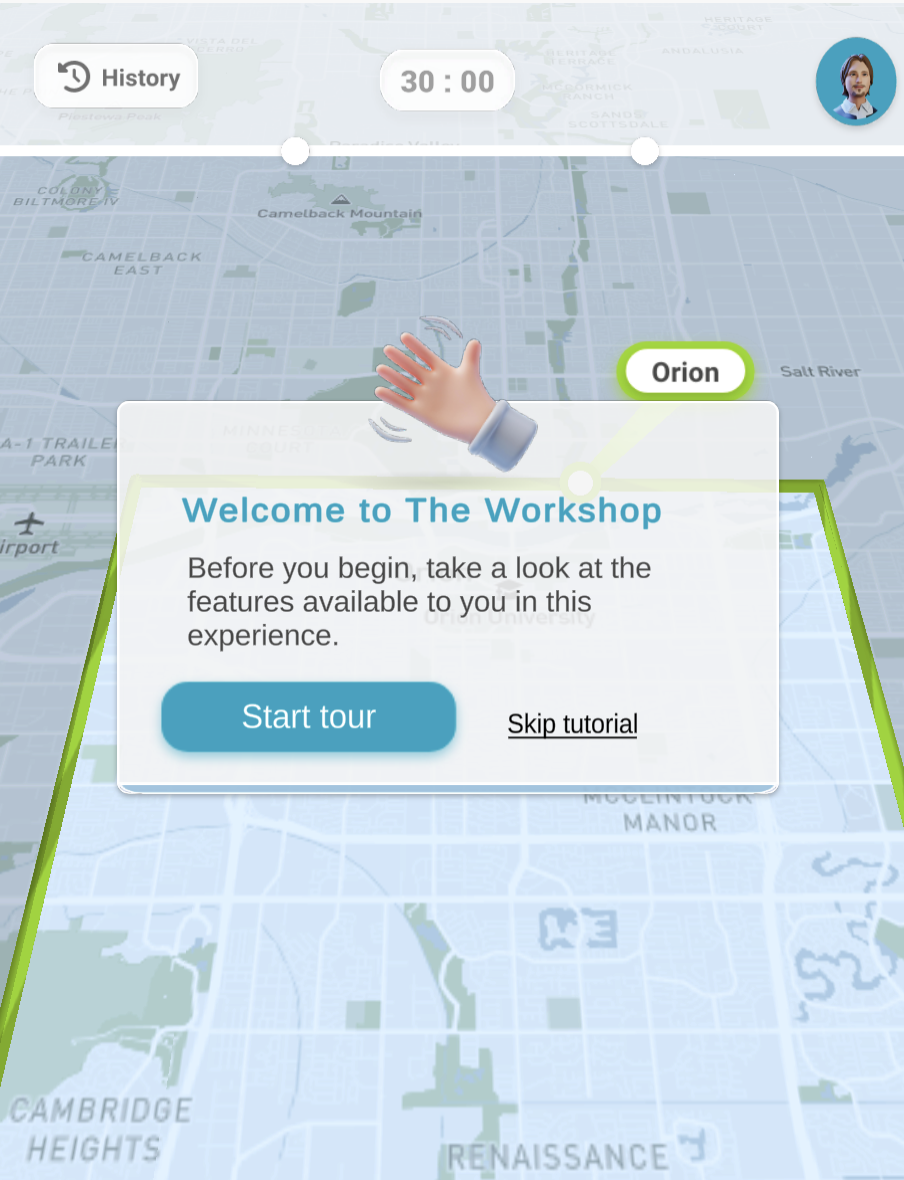
Created a tutorial with locgical steps, interactive game play, and an option to skip for returning users.

02

Imply interactivity through motion

Used motion to imply user actions, draw the users' attention to a component they are unfamiliar with, and make load times more pleasant.

03
Meeting decades of demand

Surveys going back to the 1980s confirm the desire for ice skating.

1980

While skating frozen ponds and rivers has always been part of Leavenworth’s history, the 1980 Parks Plan found an ice rink was a wanted amenity with strong economic potential.

2012

After decades of growing participation in skating and ice sports, Leavenworth revisited the idea, planning a permanent, seasonal rink on Main Street that never materialized.

2015

City of Leavenworth funds a $30k Ice Rink Feasibility Study, establishing 17-20% of visitors and locals would use an ice rink in town.

2019

A small but profitable ice rink is set up in Lions Club Park and sees high traffic in their 50 days of operation from November through January.

2021

$40k Upper Valley Recreation Need Assessment shows Ice Rink as the second most demanded recreational facility. The 3rd of these surveys that show strong demand for a rink.

1980
2012
2015
2019
2021

Reducing Cognitive Load

Combined UX design, motion graphics, graphic design, and game design principles to teach complex workflows. Created progressive disclosure patterns, skip logic, animated instructional sequences, and interactive callouts that demonstrated actions in context, reducing cognitive load while guiding users through each task.
1
User Research

User Research

Student focus groups, surveys, and usability feedback sessions revealed confusion around core controls and frustration with mandatory onboarding. Findings informed an interactive, skippable tutorial experience that improved learnability, reduced friction, and better supported returning users.

2
Interactive Callouts

Interactive Callouts

Designed motion-driven callouts with animated arrows and contextual prompts that guided users through key controls, improving feature discoverability and helping users learn the interface through interaction rather than passive instruction.

3
Skip / Return Logic

Skip / Return Logic

Created flexible onboarding paths that allowed experienced users to skip repetitive tutorials while enabling new or struggling users to revisit instructional content and master core mechanics before gameplay.

4
loading animations

Loading Animations

Developed loading animations and progress states to reduce perceived wait times, ease frustration, and maintain engagement while complex map-based environments and game assets loaded in the background.

5
Progressive Disclosure

Progressive Disclosure

Structured information to be revealed gradually as users advanced through the tutorial, reducing cognitive overload, maintaining focus on the current task, and helping users build confidence before introducing more advanced features and concepts.

Heading

Heading

Heading

Heading

Heading

Heading

Walk through of our solution

A good tutorial doesn’t tell — it shows. And better yet, by embedding guided interaction into the intro strategy, users learn by doing, not by reading.

This design balanced clarity, user agency, and development feasibility to make an intro that teaches and respects returning users.

At the same time it stood as a base template for to be used to guide users through other learning experiences made by SPLIT studio.